What are you really scanning?
Would you sign in to an account because an unexpected email asks you to scan a QR code? Phishing is deceptive electronic communication that appears legitimate to steal sensitive information. QR-code phishing, sometimes called quishing, disguises a link to a malicious website inside a scannable image. Think of it as a link inside an envelope: the familiar format does not establish whether the destination deserves your trust.
The image can also create a gap in email filtering. The UK National Cyber Security Centre explains that some phishing detection tools do not scan images, allowing a malicious QR link to slip through. That is a limitation of some tools, not evidence that every QR code is fraudulent.
Scanning and sharing details are different steps
In this hypothetical example, an unexpected email asks you to scan a code to view a document. Your phone opens a page requesting your email password. Scanning brought you to the destination; submitting your password would disclose account information. The scan alone does not establish that someone has taken over your account.
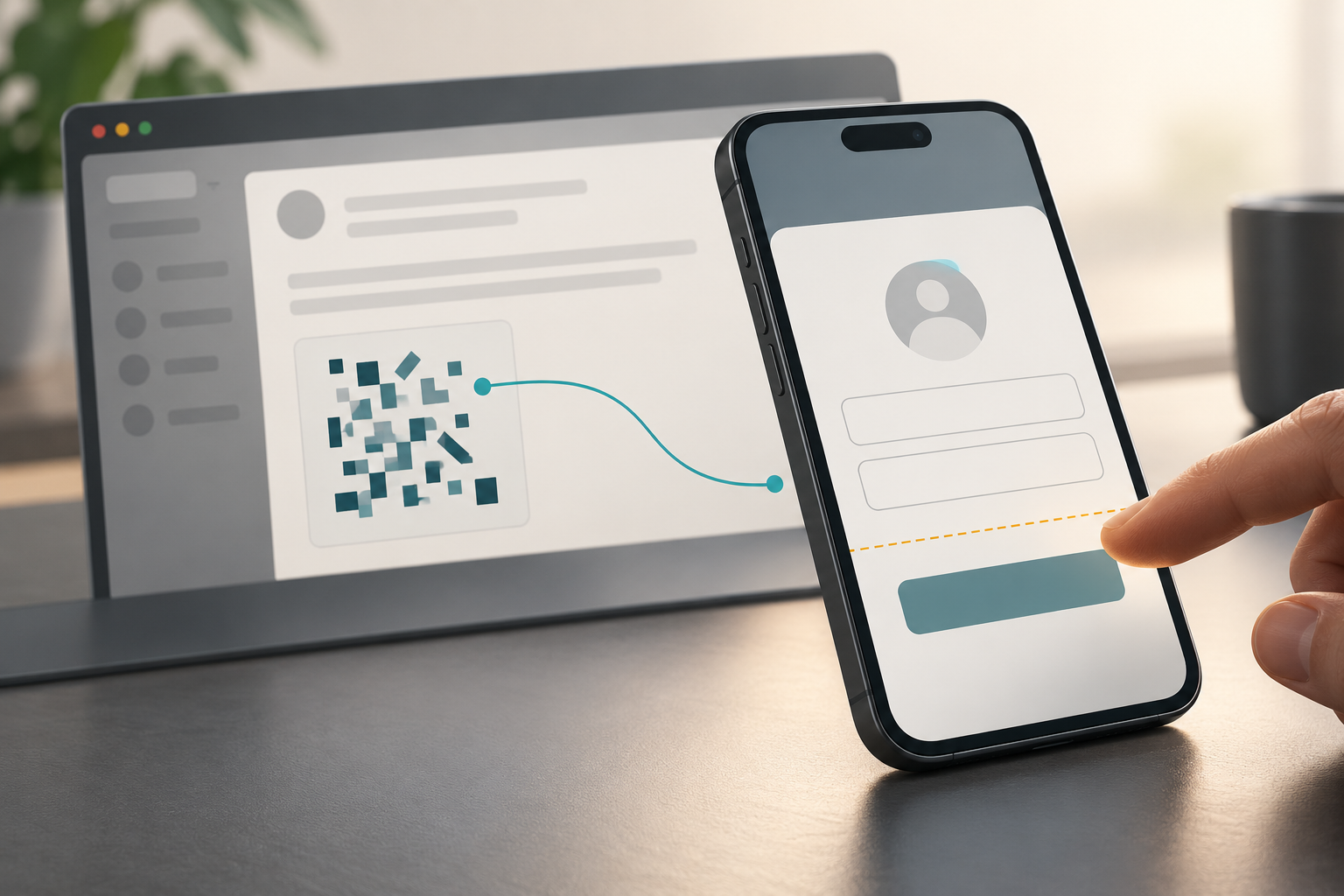
Where should you pause?
Before entering information, consider whether you expected the request and whether the destination belongs to the service. If uncertain, contact the business through a known channel. Requests for excessive information, including suspicious follow-up calls, are reasons to pause. The NCSC also recommends your phone’s built-in QR scanner; using it does not establish that the destination is legitimate.
If account access is compromised
Use the affected provider’s recovery route. For personal Microsoft accounts, its guidance includes checking a PC for malware before changing the password, changing or resetting the password, and reviewing account settings. Those instructions concern that account service. The concrete takeaway: treat an unexpected QR code as an unfamiliar link, and pause before handing the destination your sign-in details.
References
- Microsoft Sway abused in massive QR code phishing campaign
- QR Codes – what's the real risk? | National Cyber Security Centre icons/chevron/16px/black
- How to protect against phishing attacks – Microsoft Defender for Endpoint | Microsoft Learn
- How to recover a hacked or compromised Microsoft account | Microsoft Support Your Privacy Choices Opt-Out Icon Your Privacy Choices Opt-Out Icon